NLC

Network Lighting Controls
A lighting system built to think for itself — so the room adjusts, and you don’t have to.

What is NLC?
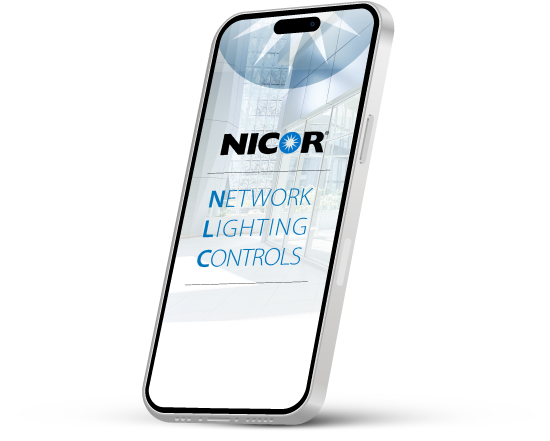
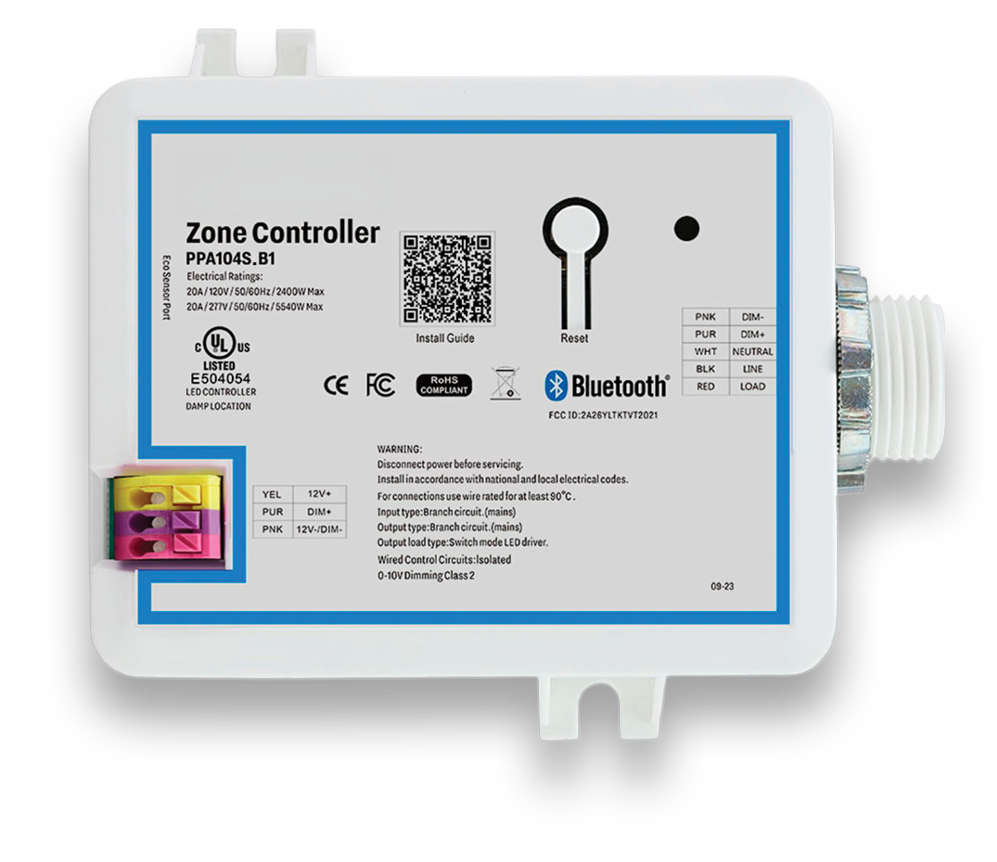
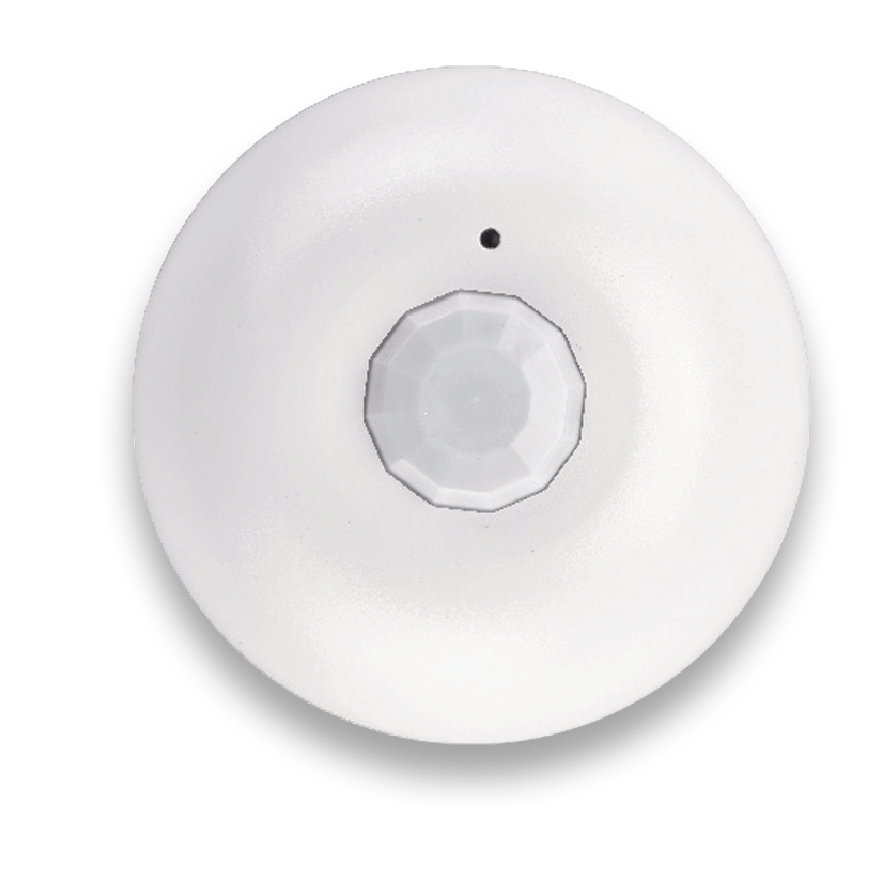
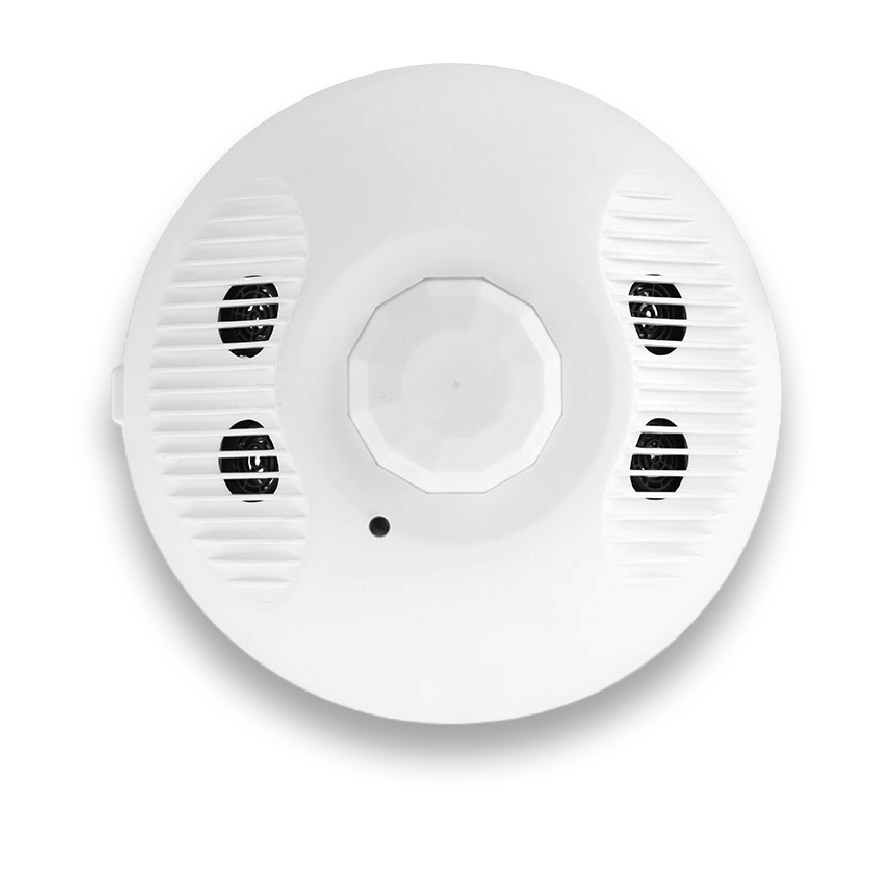
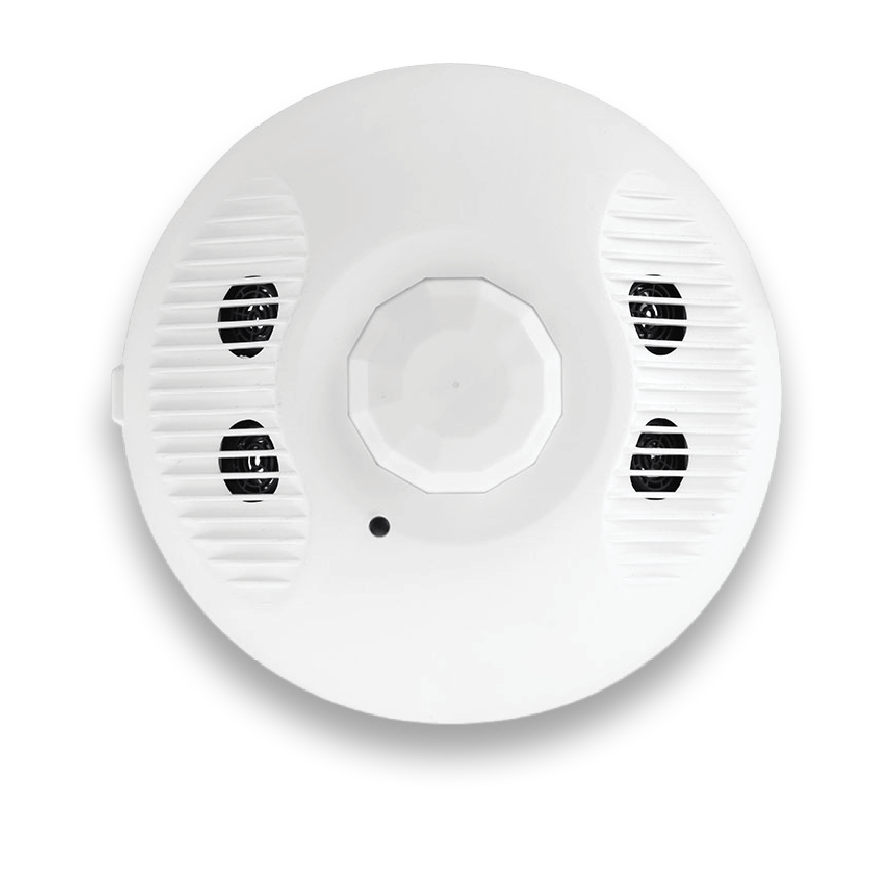
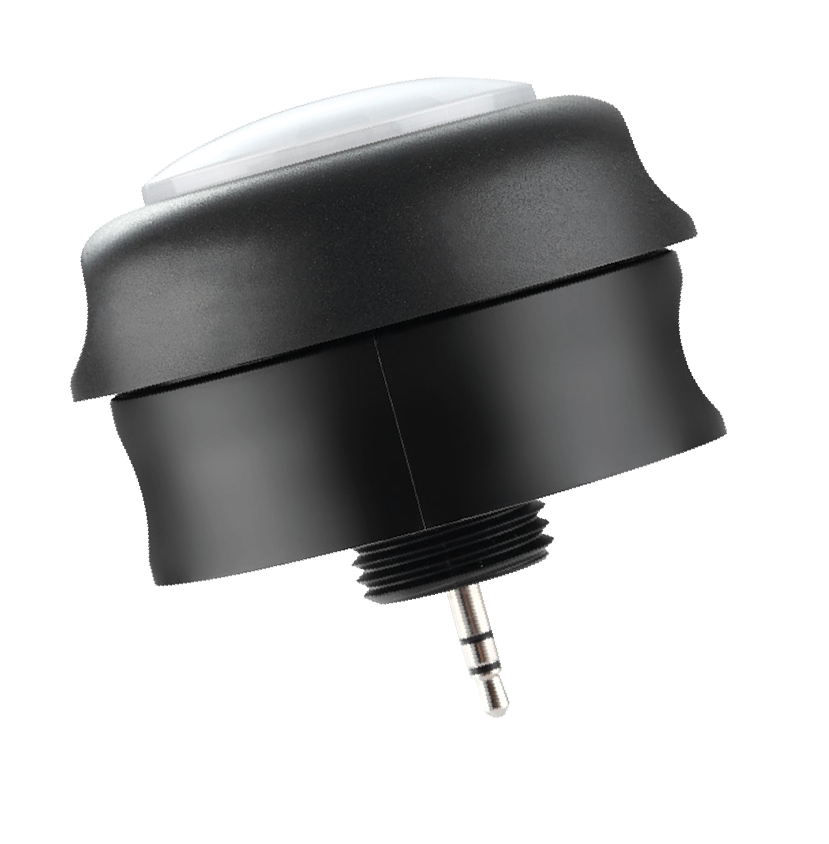
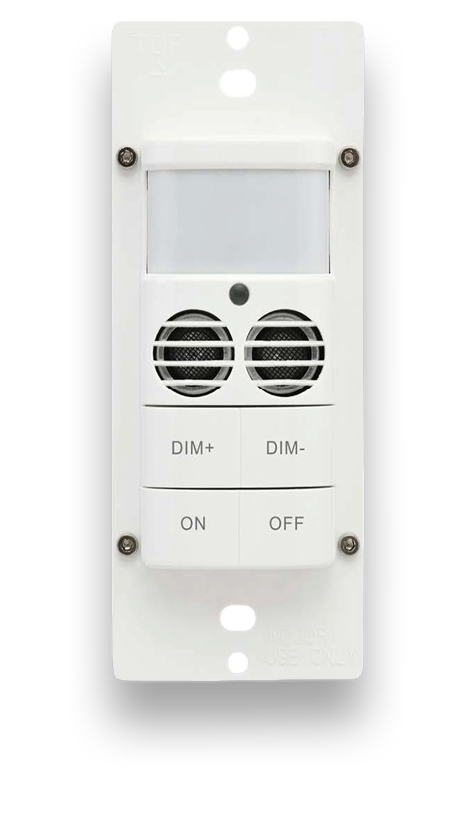
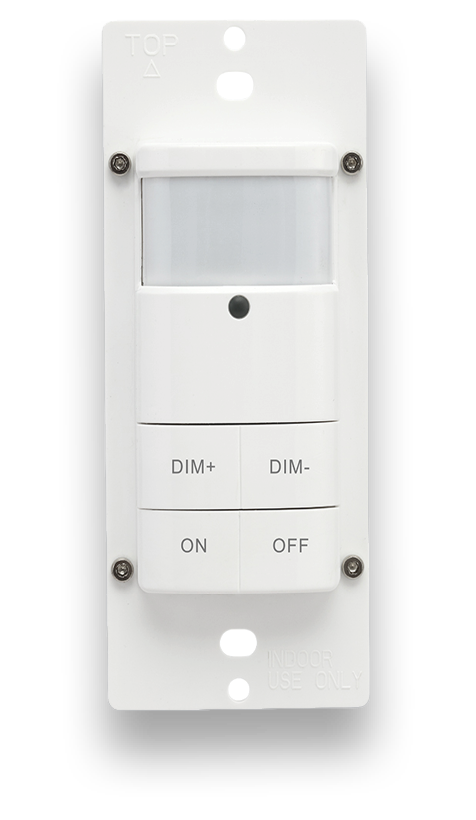
NICOR’s Network Lighting Controls (NLC) is a wireless BLE Mesh system built from PIR motion/daylight sensors, load controllers, wall controls, and system nodes, letting fixtures be controlled individually or grouped into zones.
A single zone can manage up to 100 luminaires across multiple rooms, all through the NLC app (iOS and Android), which can also show energy usage stats with additional hardware installed in each zone. The system is UL 1376 Gold-certified, runs on a localized, 128-bit encrypted network with no outside access, and is built to scale into new or existing spaces alike.
Curious how the wireless mesh actually works? Read our full NLC overview article for a closer look at the technology, security, and what’s new in the lineup.
-
Wireless
BLE Mesh network controlling luminaires individually or by zone.
-
Scalable
Supports unlimited zones with up to 100 luminaires per zone, built to scale for new or existing spaces.
-
Intuitive Controls
Fully managed through NICOR’s free NLC app.
- Zone (i.e. first floor)
- Groups (i.e. rooms)
 Luminaires

Built to back each other up
With NICOR’s NLC lighting control system, you can walk in and configure the system using the easy-to-use NLC app. No need for a gateway, laptop, or truck roll to fix it later.

Self-Healing Mesh
If one light goes quiet, the signal reroutes. The system keeps running.
-
Savings Built In
Every fixture already knows when to dim, when to sense, and when to shut off — savings without extra setup.
-
Secure and Local
Locked down out of the box. UL Gold–certified security, with nothing routed through the cloud.


Products



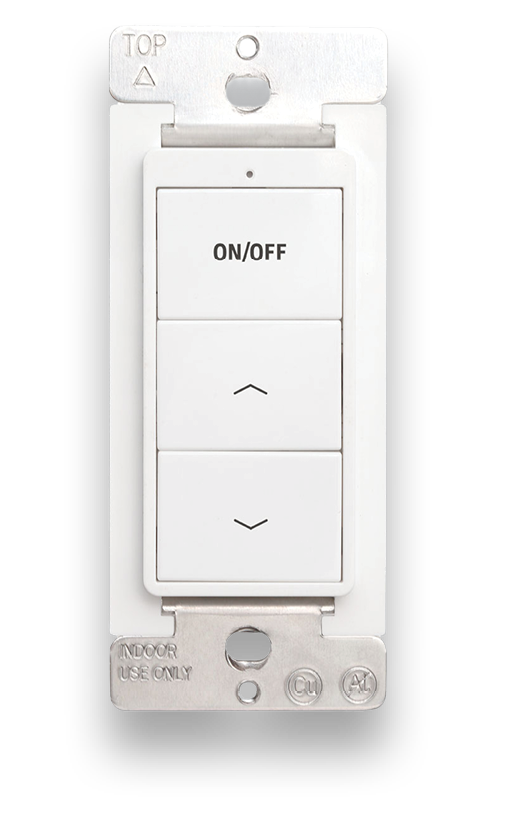
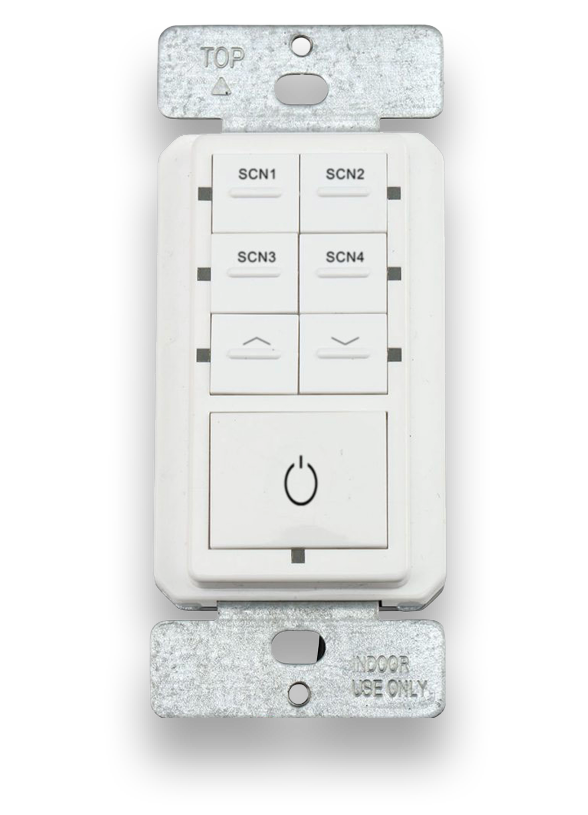

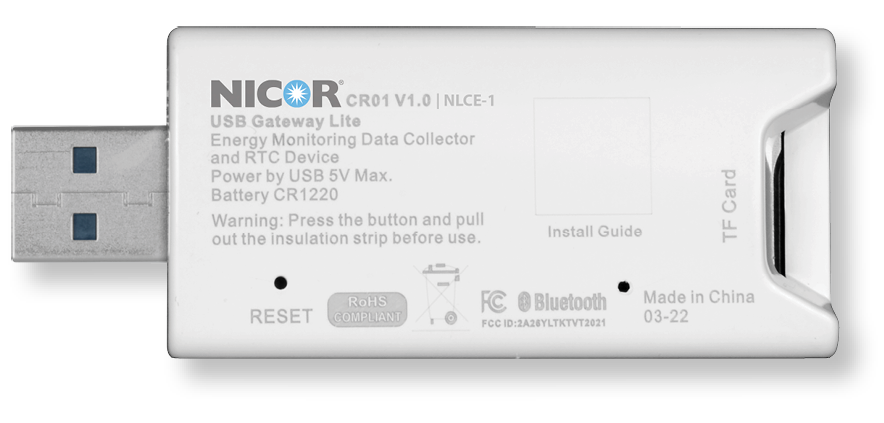
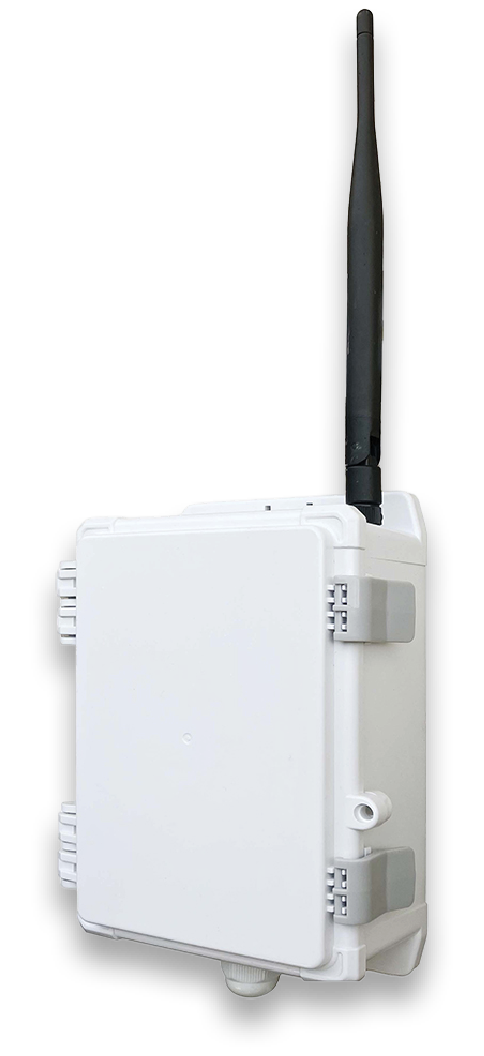
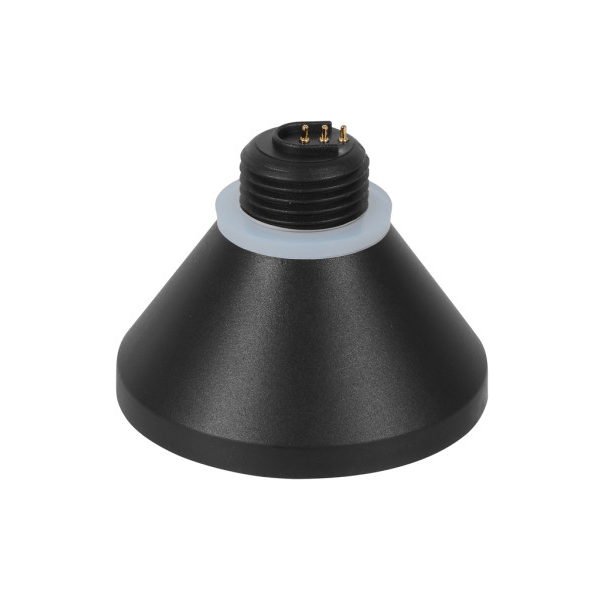
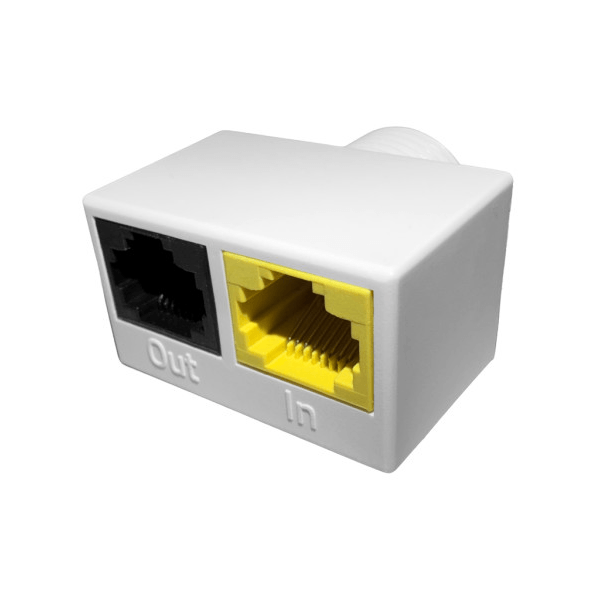
Rapid Provisioning
Preparation Work
- Define the control narrative and sequence of operation
- Install the lights and test power
Lights, Groups, Scenes
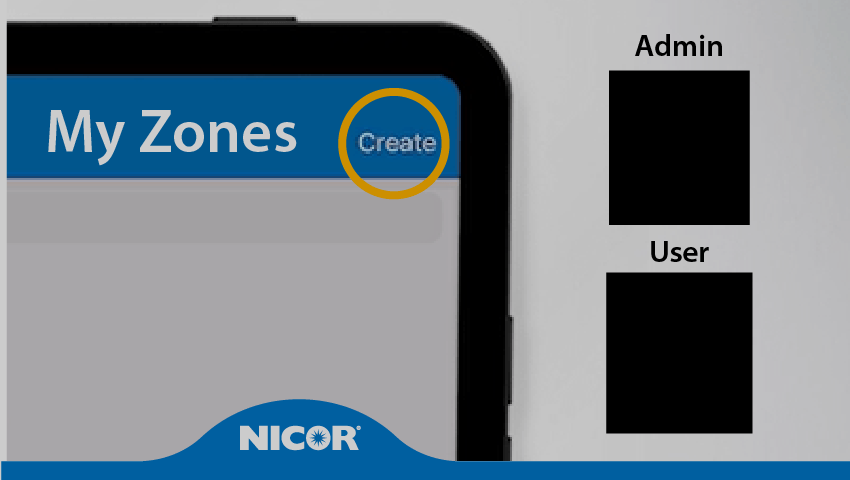
- Create zones and generate the QR Code
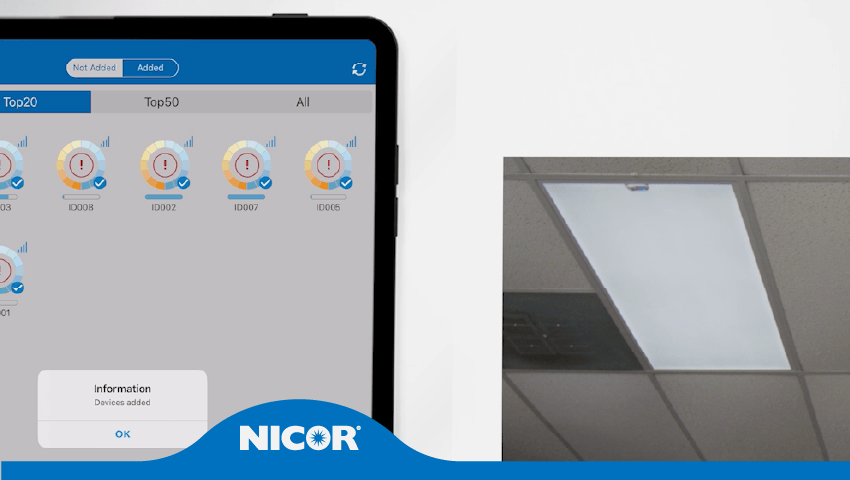
- Connect lights to the app and group them
- Create scene settings, add a device control
Set Sensor Lights
- Set sensor parameters
- Configure light linkage levels
- Set auto light levels
- Save it as a template to reuse
Project Delivery
- Share the encrypted QR code with the owner
- Access to network devices stays restricted without it
Download
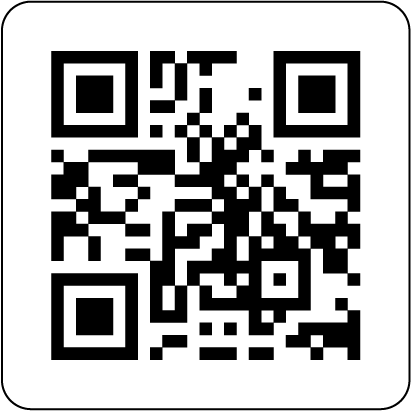
Download the NLC App by clicking or scanning the QR codes
Scan QR codes to get the App
Get the App


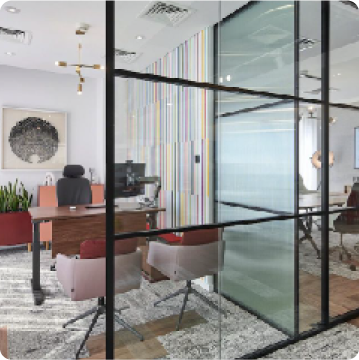
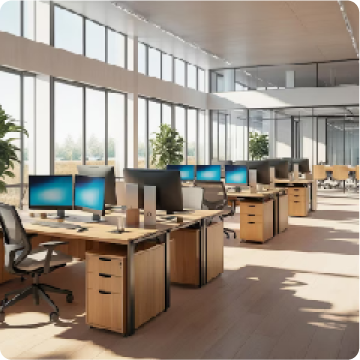
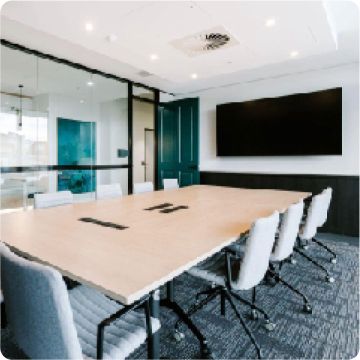
Real-world Applications

Video Training Modules
 Module 1:App Navigation
 Module 2:Zones & QR Codes
 Module 3:Adding Lights
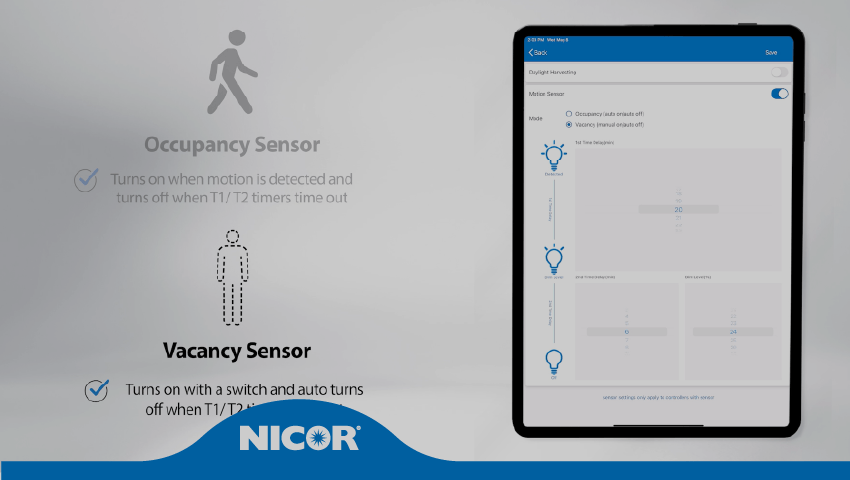 Module 4:Configure Lights & Sensors
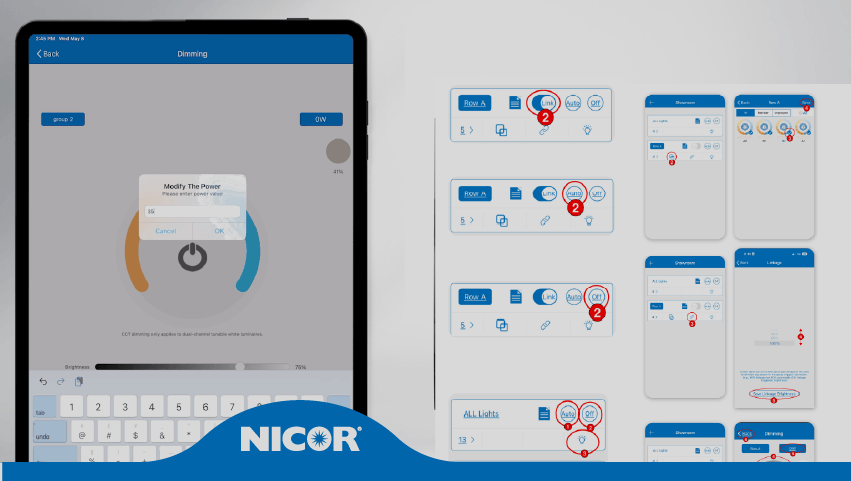 Module 5:Create & Modify Groups
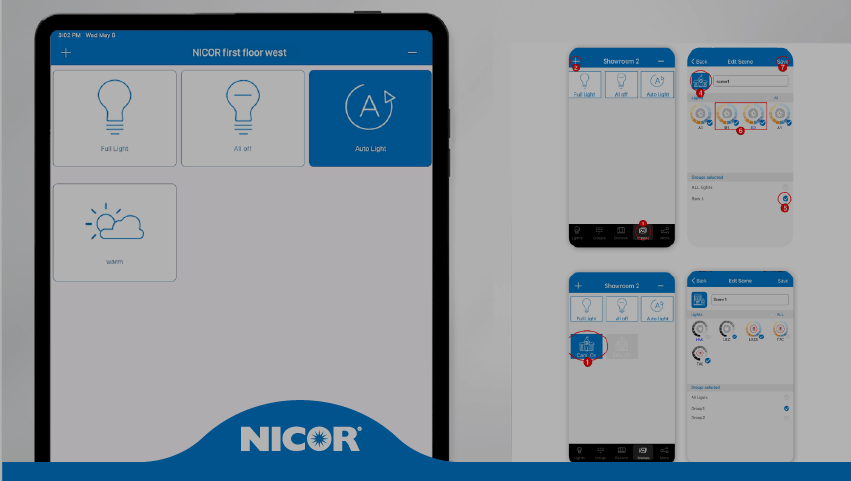 Module 6:Create a Scene
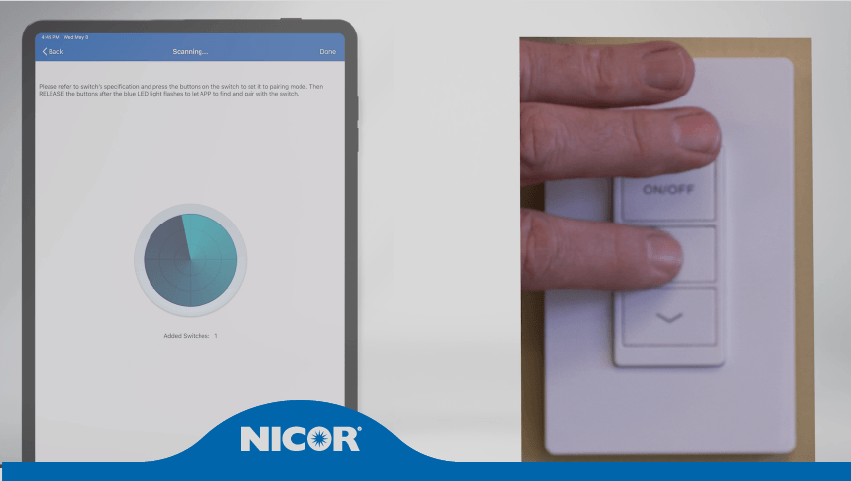 Module 7:Configure Switches
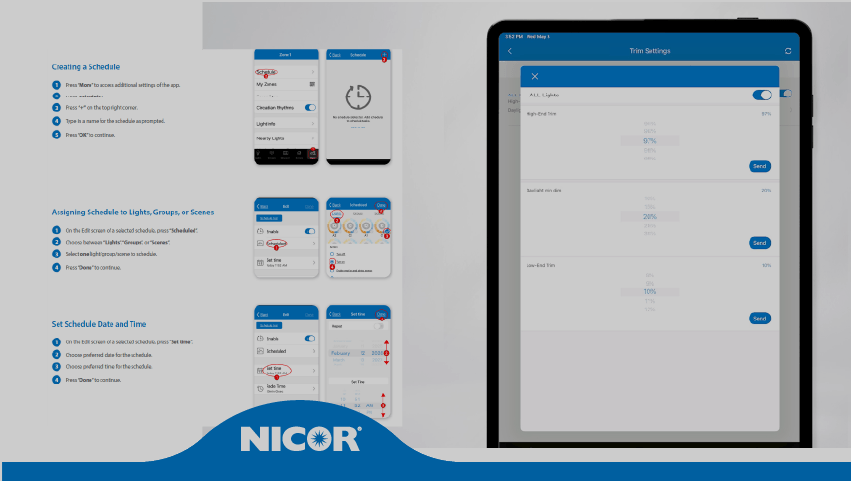 Module 8:Features and Functions of the More Page
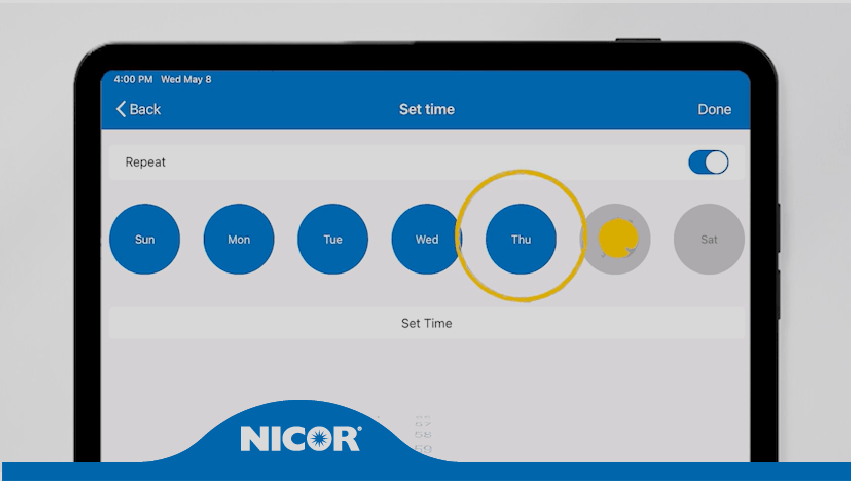 Module 9:Configure a Schedule
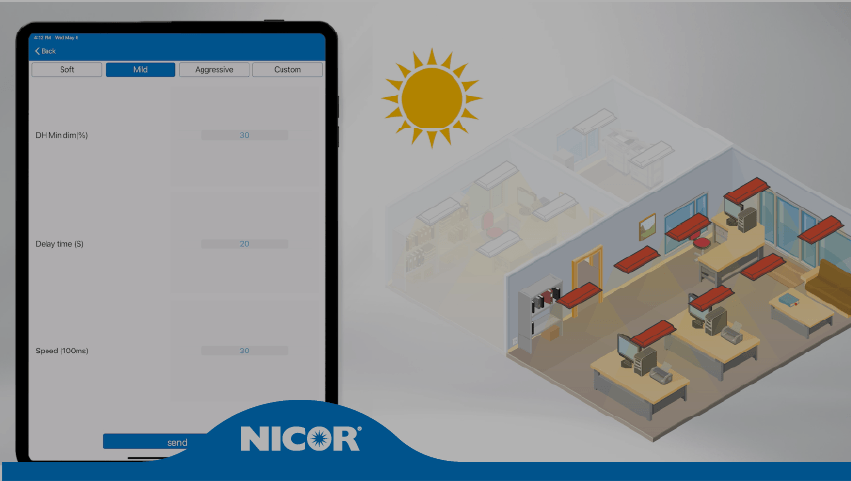 Module 10:Daylight Harvesting & Photocell
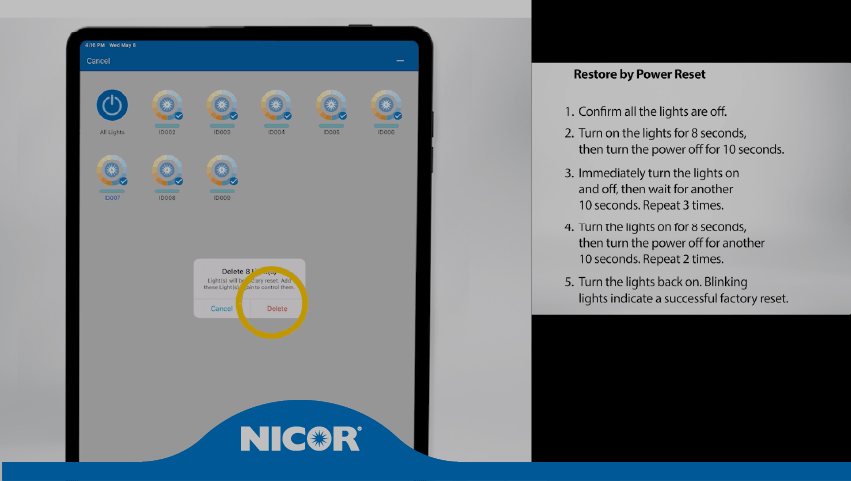 Module 11:How to Restore Factory Settings
Watch the NLC Training Webinar
Get to Know NICOR’s Network Lighting Controls
If you’re weighing a project that could use NLC, this session covers exactly how to request a custom layout. Our Sales and Engineering teams will walk through the process live and answer your questions as they come up. Filmed in our Albuquerque office show room in September 2026.
Less guesswork on your next layout
- Know exactly what to bring, space details, load, and occupancy needs
- Get clear answers on indoor versus outdoor setups
- Skip the back-and-forth on drawings, schedules, and specs
- Know exactly when to loop in our Engineering team
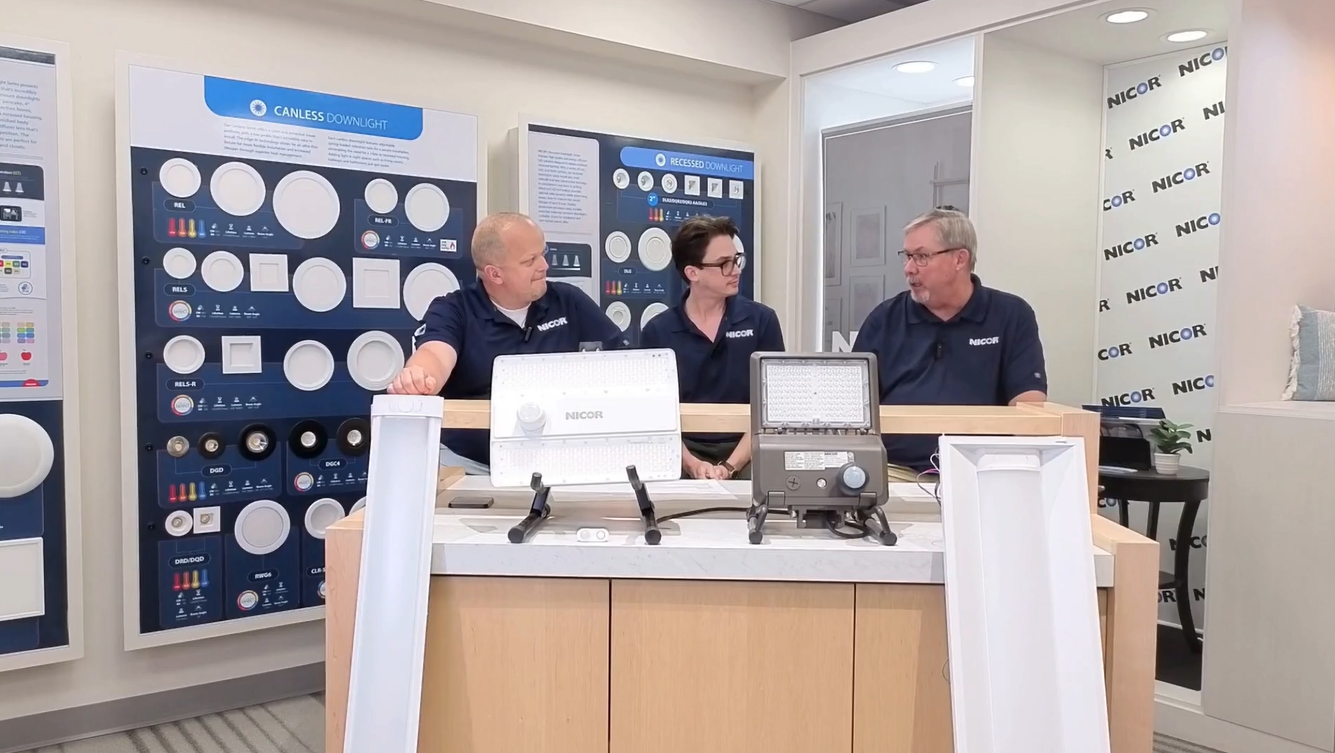
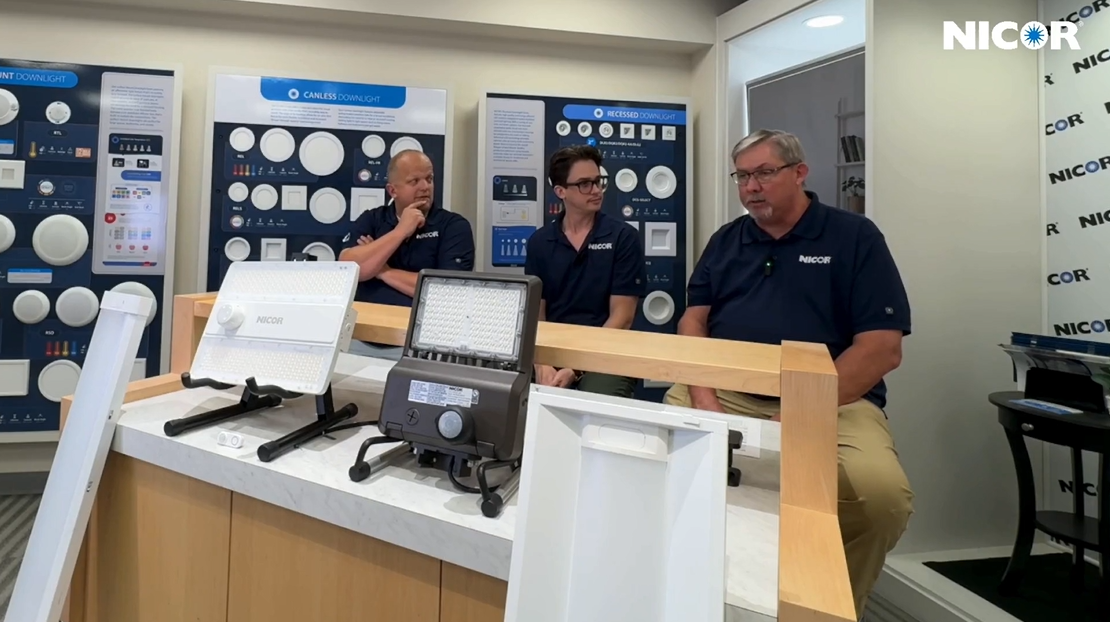
Presented by Tim Connolly, John Lane, Brandon Duckworth and Ryan Lauth
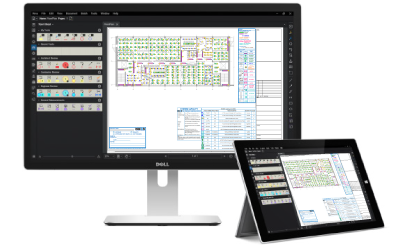
NLC Layout Request