
NLC
Simplify your life with NICOR Network Lighting Controls
Lighting controls can be overwhelming and expensive, but NICOR Network Lighting Controls (NLC) bring a range of affordable and flexible, wireless controls to a single room or an entire building. Simply choose your favorite NICOR controls compatible luminaire and controls package.
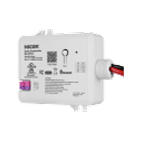


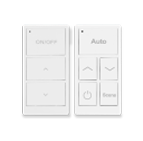
Downloads
MAXIMIZE CONTROL & EFFICIENCY AT YOUR FINGERTIPS WITH
NICOR’S NETWORK LIGHTING CONTROL
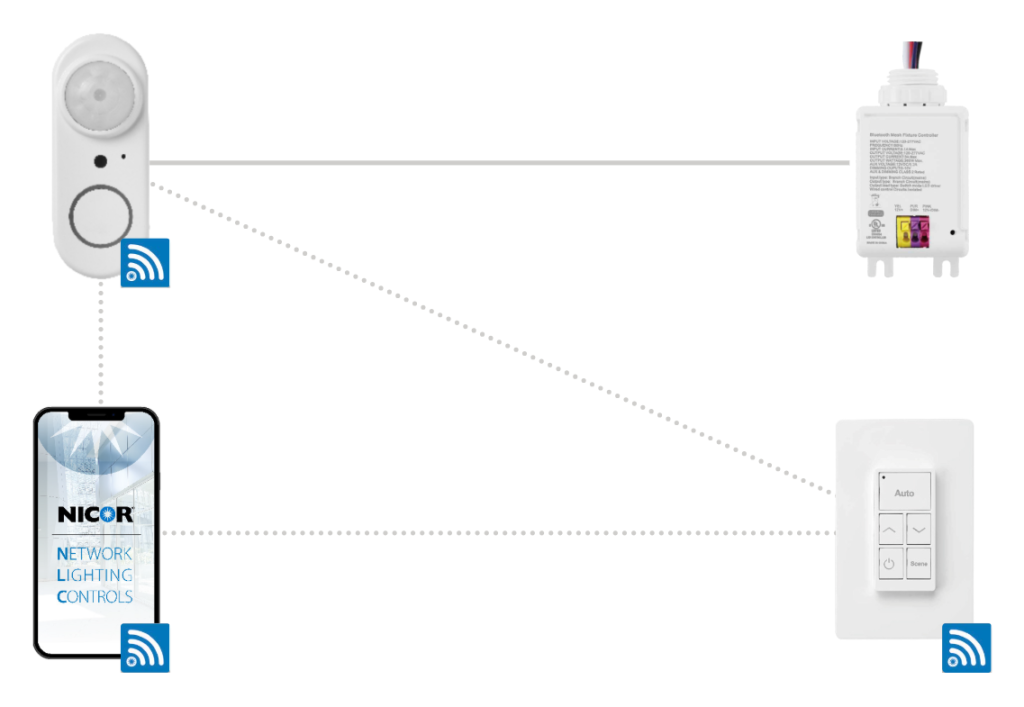
Designing a NICOR NLC System
1. Identify your Room Requirements
- Sequence of Operation
- Sensor Requirements
- User Interface Requirements
- Load Schedule
2. Select the Appropriate Controller
- Room/Zone Controller
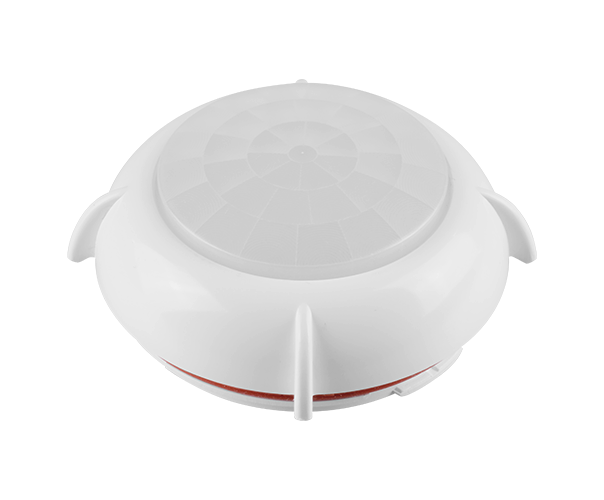
- Additional ceiling sensors can be added for coverage
- LLLC – Select the NLC enabled luminaire for individual control
3. Select your Load Controller for plug loads
4. Select your User Interface(s)
- Use one or more of the following:
- 3 button wireless, battery wall station – ON/OFF, Raise, Lower
- 5 button wireless, battery wall station – AUTO, Raise, Lower, ON/OFF, Scene
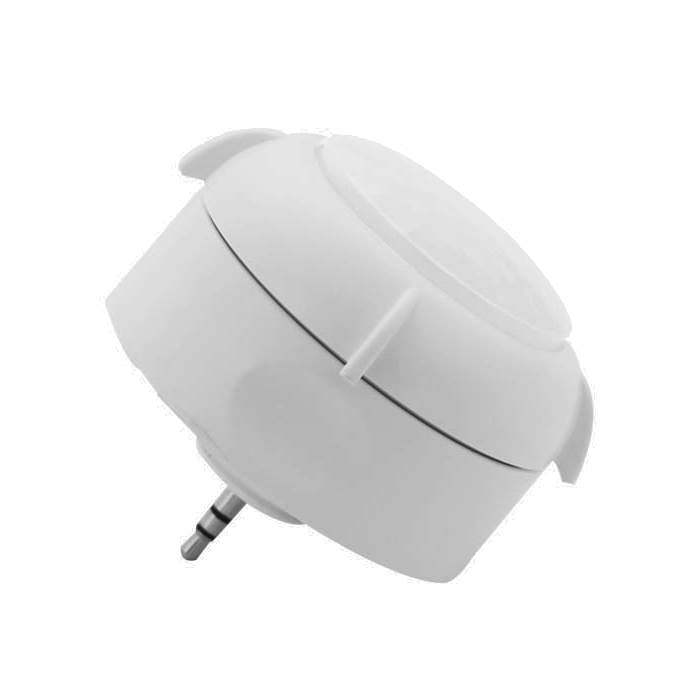
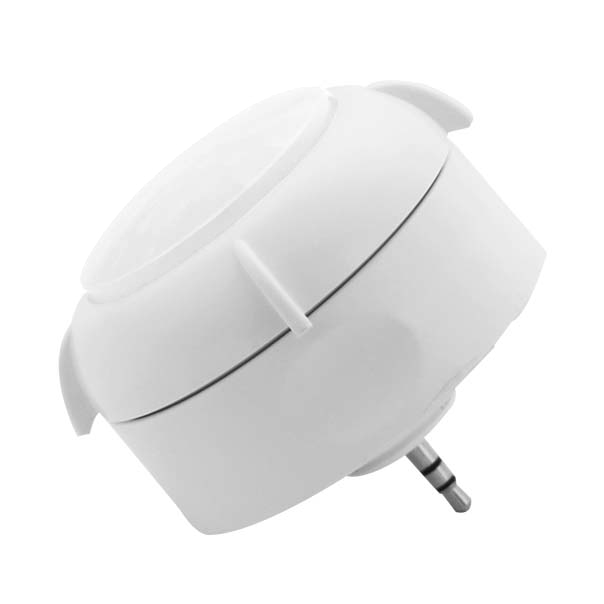
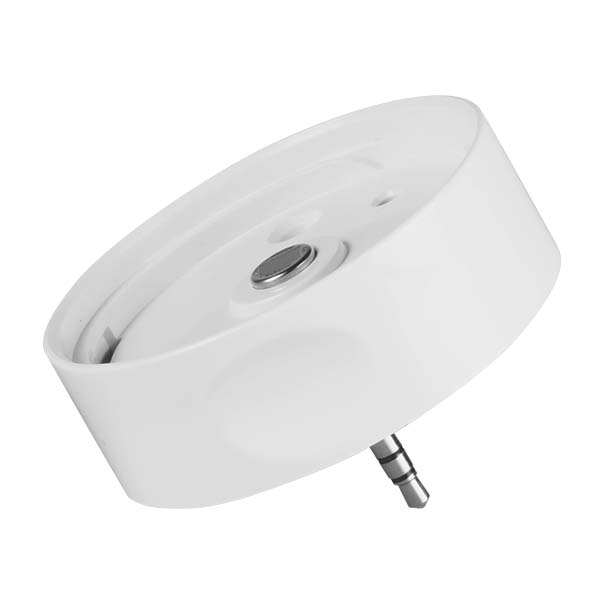
5. For energy monitoring, connect zones with the dongle
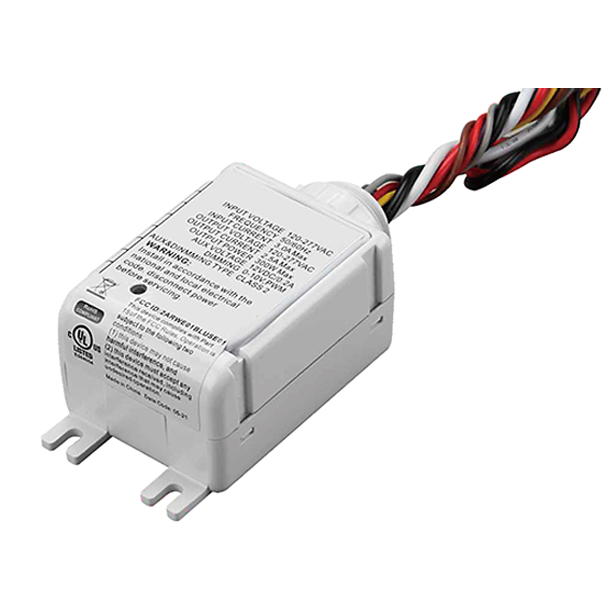
Featured Products
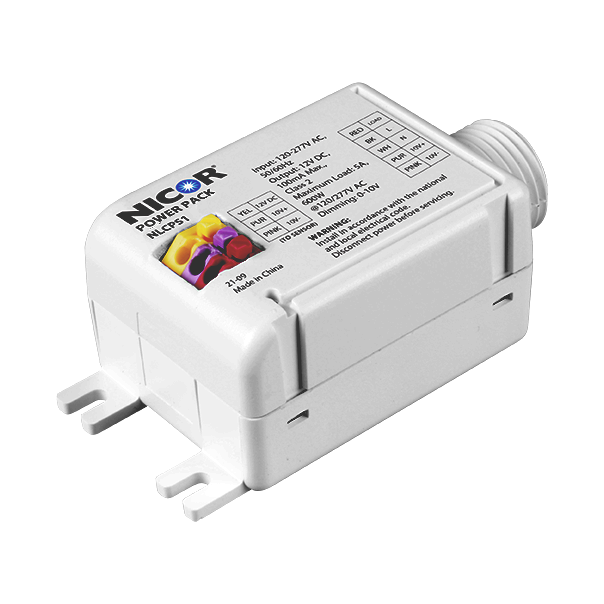
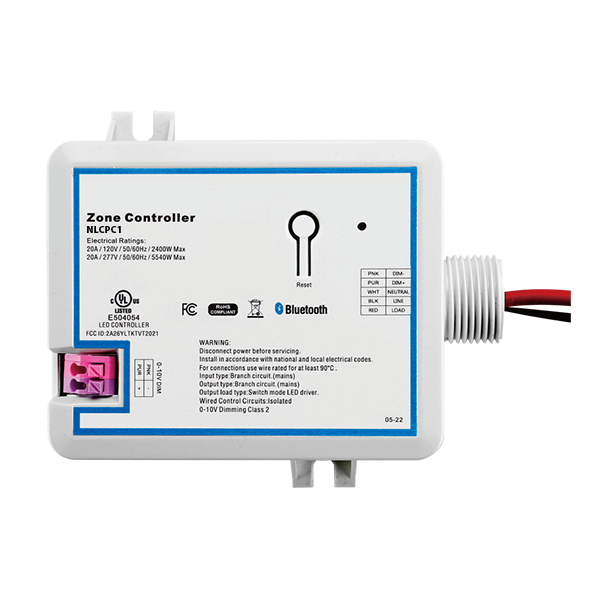
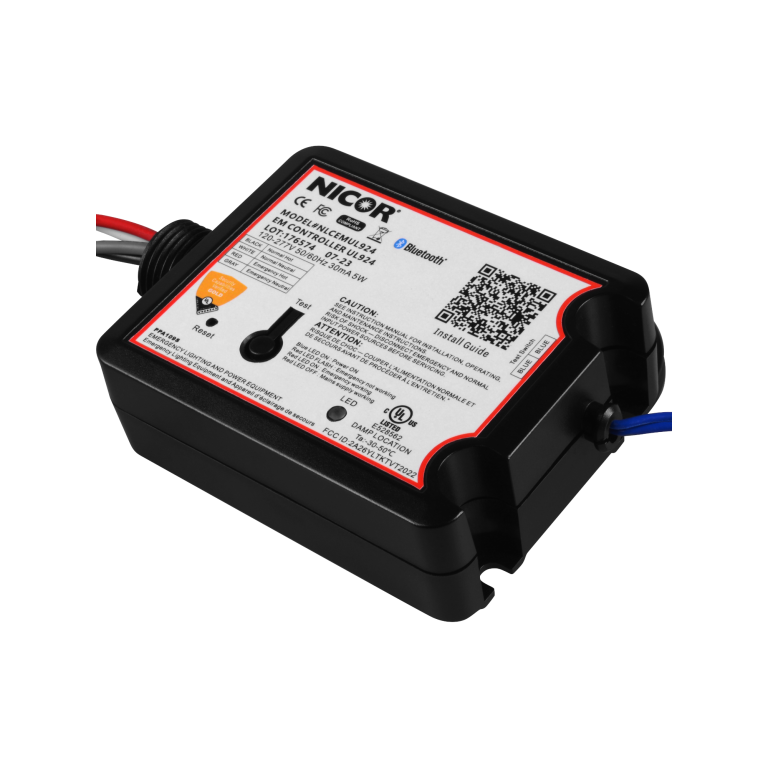
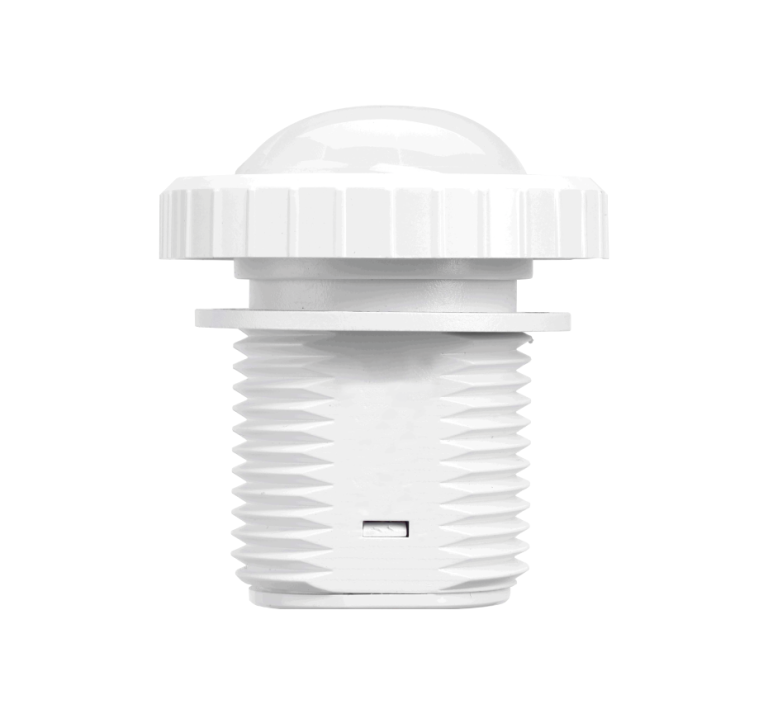
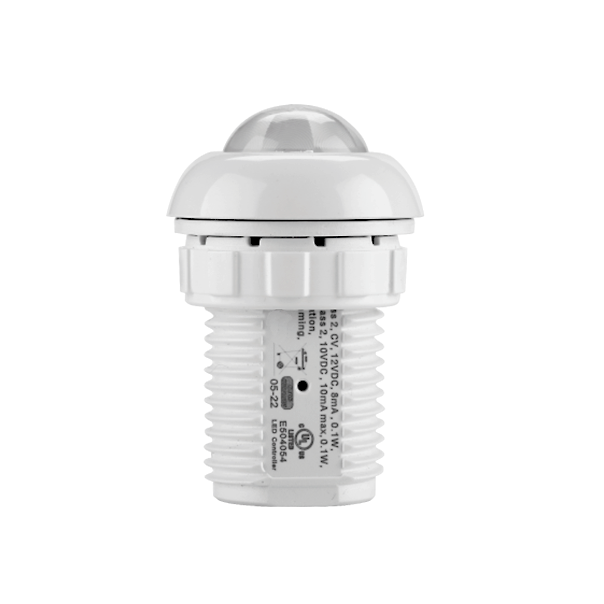
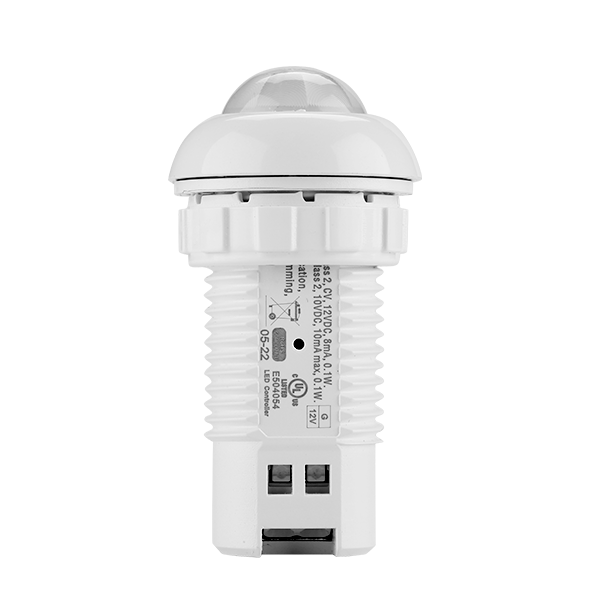
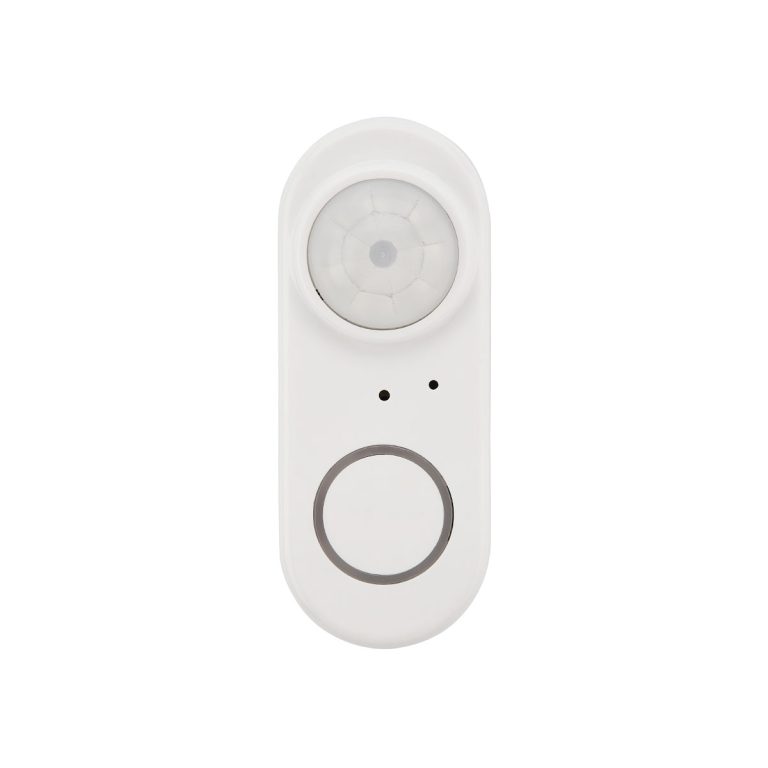
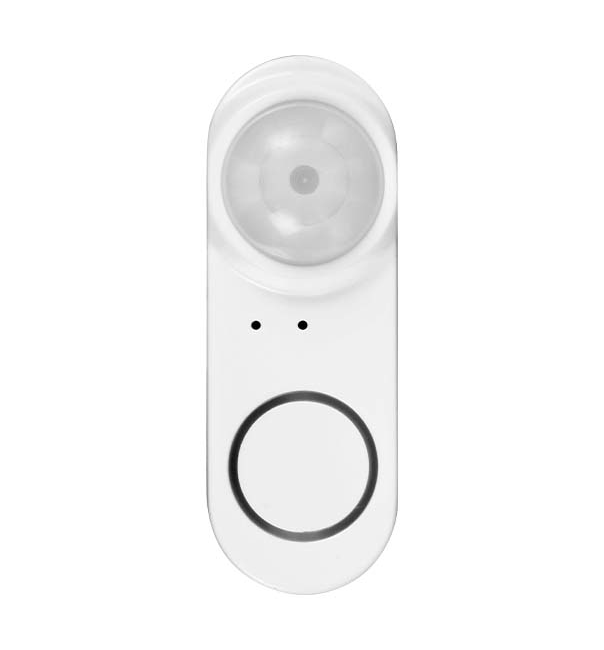

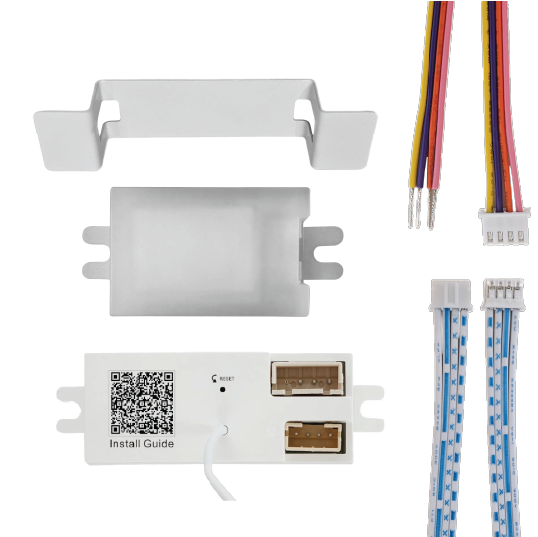
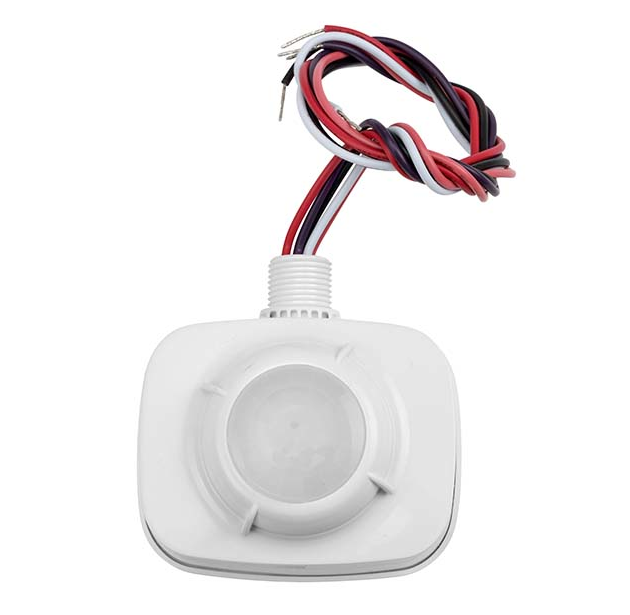
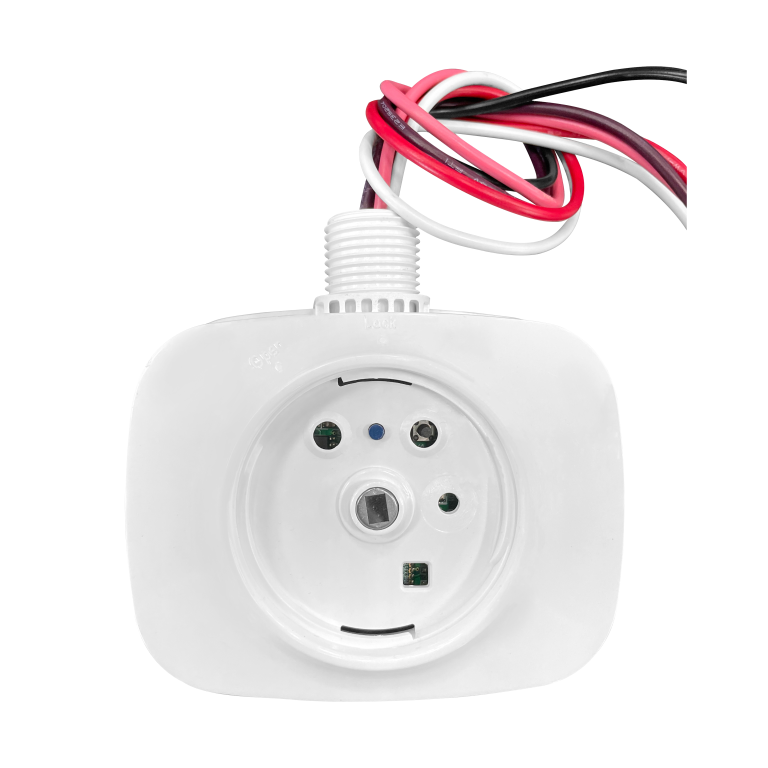
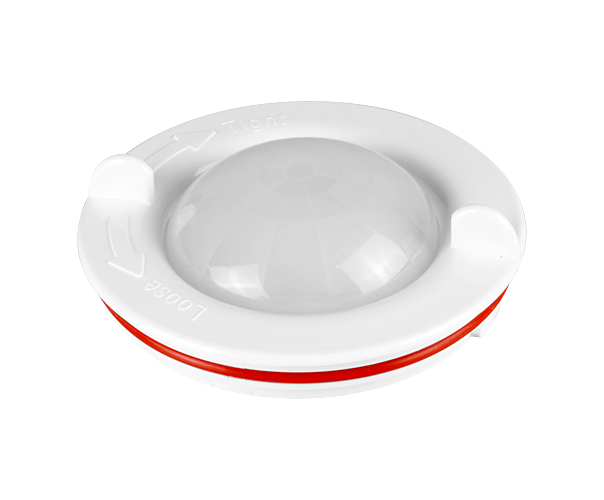




NLC Layout Request
Watch the NLC Training Webinar
Get to Know NICOR’s Network Lighting Controls
If you’re weighing a project that could use NLC, this session covers exactly how to request a custom layout. Our Sales and Engineering teams will walk through the process live and answer your questions as they come up. Filmed in our Albuquerque office show room in September 2026.
Less guesswork on your next layout
|
|
Get clear answers on indoor versus outdoor setups |
| ✎ | Skip the back-and-forth on drawings, schedules, and specs |
| ⚙ | Know exactly when to loop in our Engineering team |
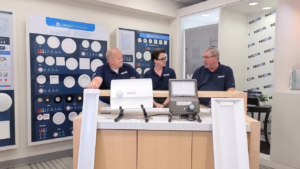
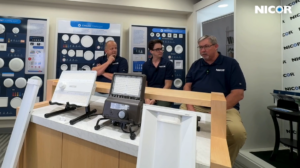
Presented by Tim Connolly, John Lane, Brandon Duckworth and Ryan Lauth