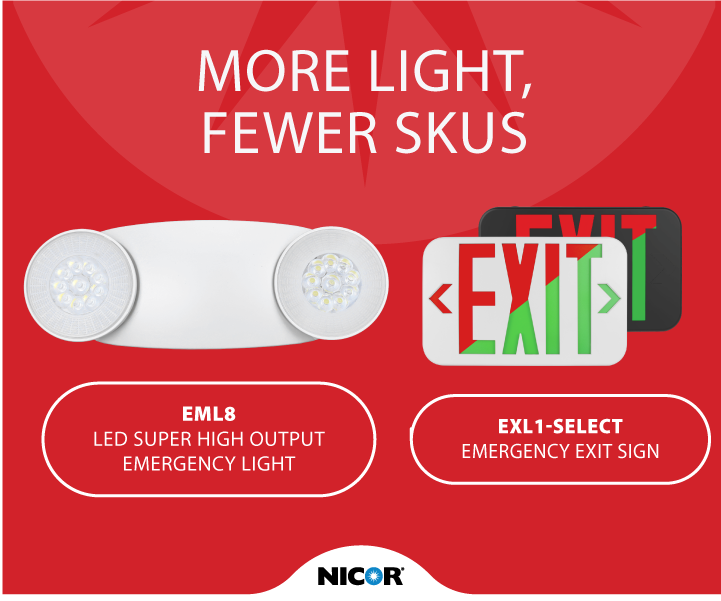
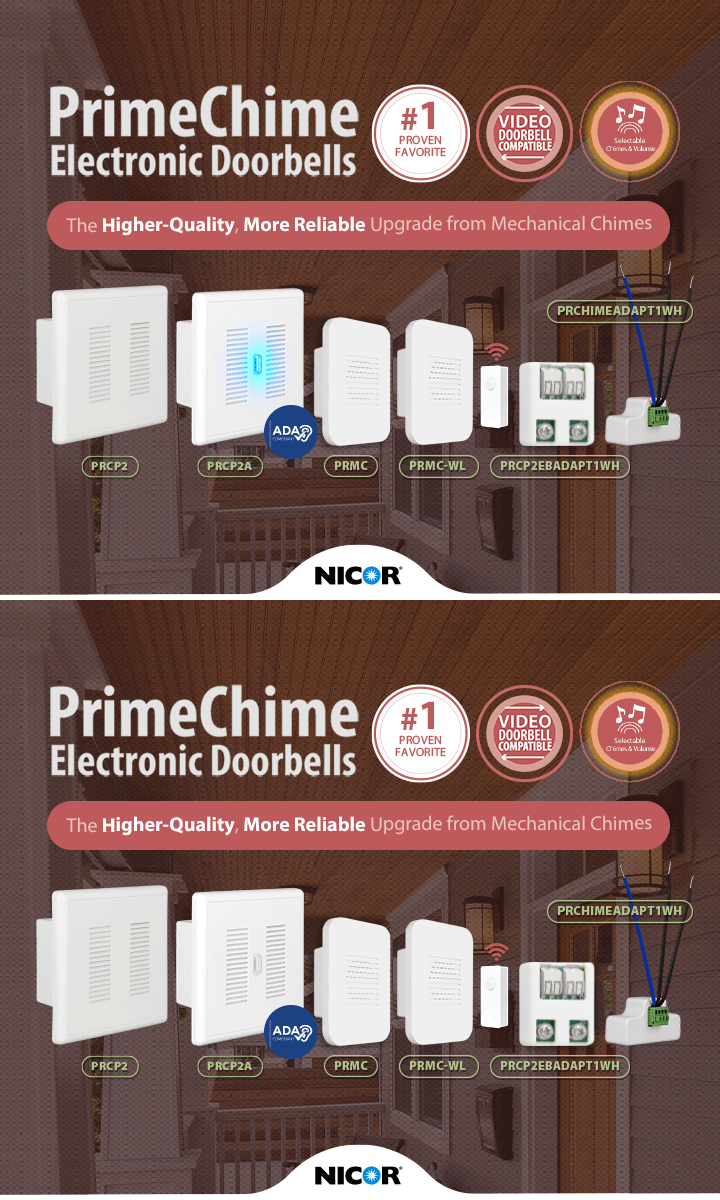
Building a valid part number used to be its own project: cross-referencing option codes against spec sheets, double-checking compatibility, and hoping nothing in the string was off by one character. One wrong code and the quote bounces back. The new Product Configurator replaces all of that. Available on every product page, it guides you through your selections and does the assembly for you.
Your specs, assembled for you
Select your specifications and adjust options — and the configurator returns an accurate SKU with detailed product information to match: lumens, wattage, CCTs, sizes, and compatible accessories, all tailored to exactly what you chose. Every part number it generates is valid, because it’s built from your selections, not typed from a reference chart.
From configuration to quote in one click
When the part number is ready, a request-for-quote button submits it directly — and if you’re signed in, your account details fill in automatically. You can also save the configured product straight to a list, keeping it ready for the project it belongs to.
Try it in three steps
1. Open any product page and start the configurator.
2. Work through the selections — specs, options, accessories — and watch the part number build.
3. Hit request-for-quote to submit it, or save it to a list for later.