New NICOR Website
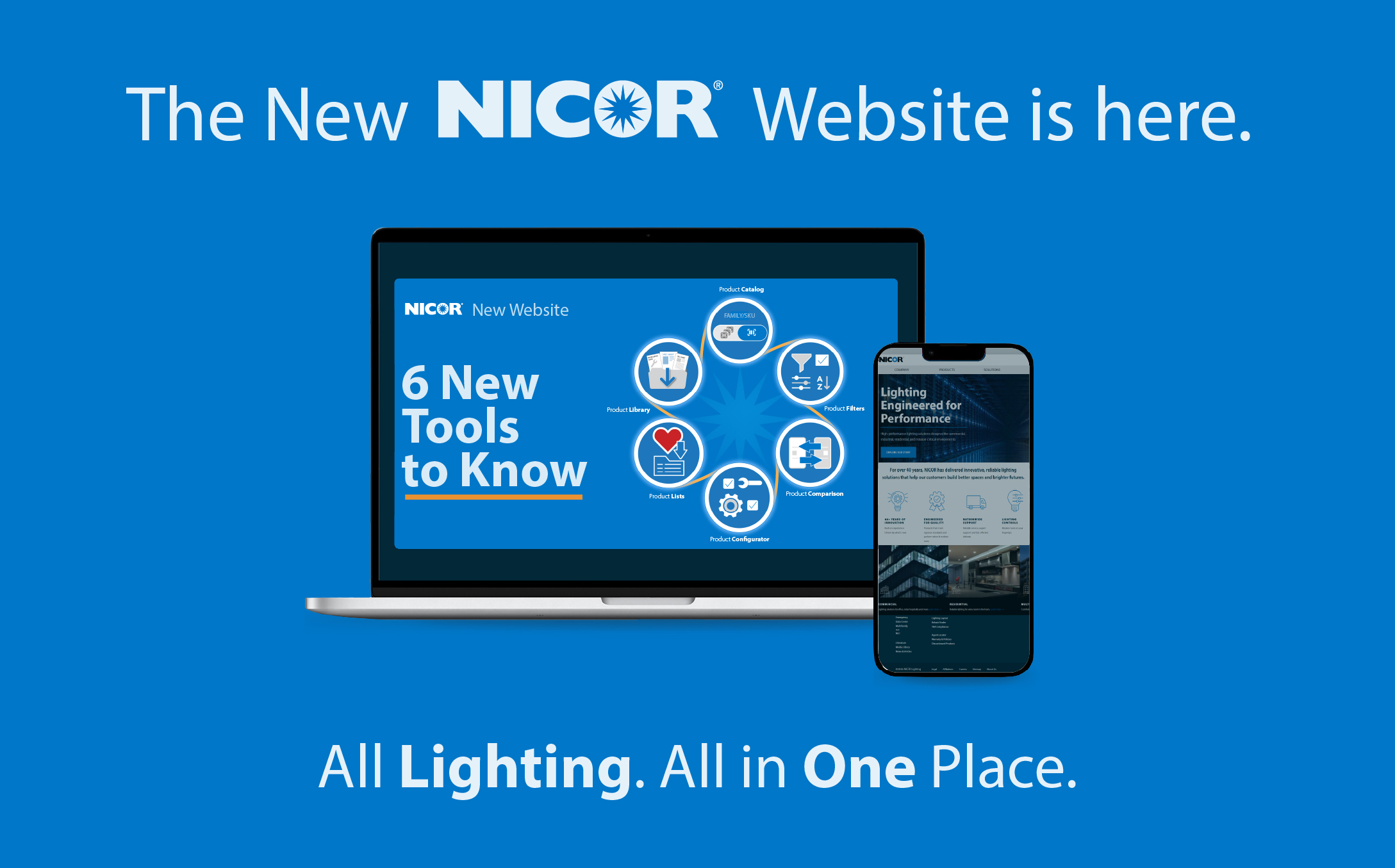
Everything you need, easier to find. A streamlined experience with fewer steps and more answers.
→
6 New Tools to Know
Built from the ground up to help you work faster.
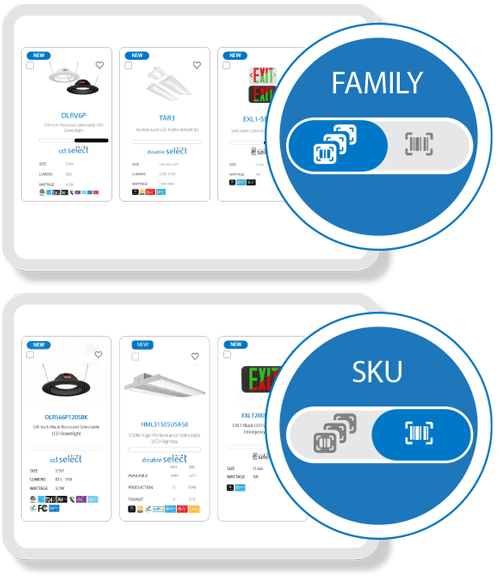
Product Catalog
Featuring two catalogs that will allow logged-in users to seamlessly switch between two catalog views to suit their workflow. Whether browsing the Family-level Catalog for a high-level overview or diving into the SKU-level Catalog for detailed product selection, users can now quickly access the information they need.
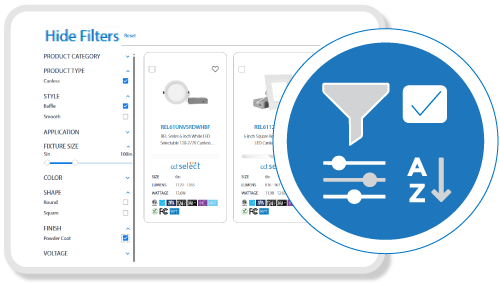
Product Filters
Now introducing Product Filters that will enhance your browsing experience by making it faster and easier to find exactly what you’re looking for. With intuitive filtering options, users can narrow results by category, application, color, size, etc., helping you find the most relevant products in seconds.
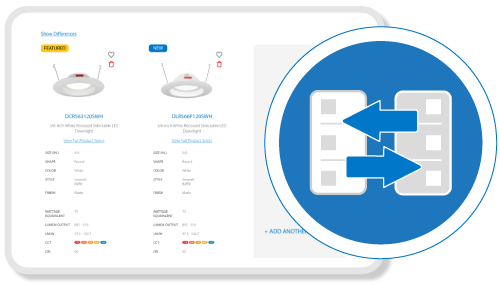
Product Comparison
The Product Comparison tool will allow users to quickly compare up to three products side by side while browsing the catalog. Users can choose to see all specifications or focus only on the differences, and quick links make it simple to dive into full product details. It’s an easy, efficient way to make confident product choices.
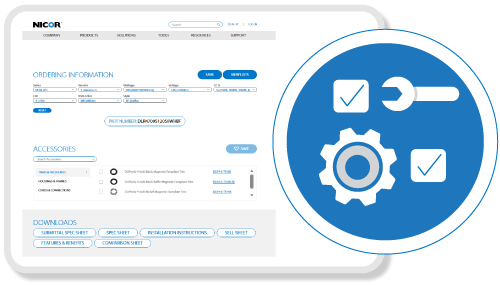
Product Configurator
The Product Configurator is designed to give users a seamless, intuitive way to explore and customize products like never before. By selecting specifications and adjusting options, users will receive accurate SKUs and detailed product information, including lumens, wattage, CCTs, sizes, and compatible accessories, all tailored to their exact needs. This powerful new tool will make it easier than ever to find the perfect product for any project.
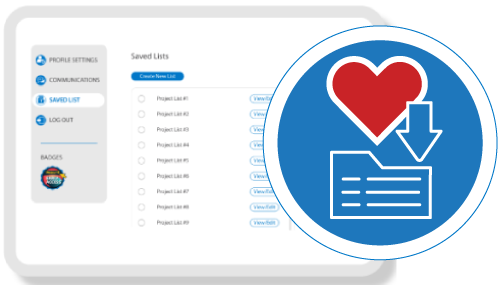
Product Lists
The Product Lists feature will let users save and organize products however they want, whether it’s for a project, a quote, or just keeping track of favorites. Products can be added quickly from the catalog with the heart icon or saved straight from the configurator after customization, making it easy to manage and revisit selections anytime.
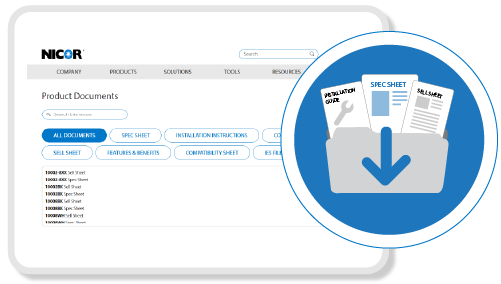
Product Library
The Product Library is a new feature that will provide a centralized, user-friendly way to access all essential product materials. From spec sheets and installation guides to sell sheets, users will be able to quickly locate and download the documents they need.
→
Familiar Tools, Brought Up to Date
The features you rely on, refreshed and easier to use.
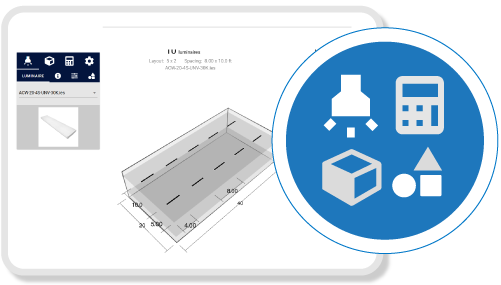
Lighting Layout
NICOR’s Lighting Layout Tool makes it simple to design indoor spaces with our full range of products. Generate layouts, explore fixture options, and plan with confidence. For outdoor environments or complex applications, you can request a custom lighting layout tailored to your project.

Rebate Finder
Use NICOR’s Utility Rebate Tool to quickly access all Energy Star® and DLC® qualified products with available rebates in your area. Get up-to-date rebate information in seconds, create more competitive quotes for your customers, and demonstrate how these rebates can shorten the payback period for your lighting projects.
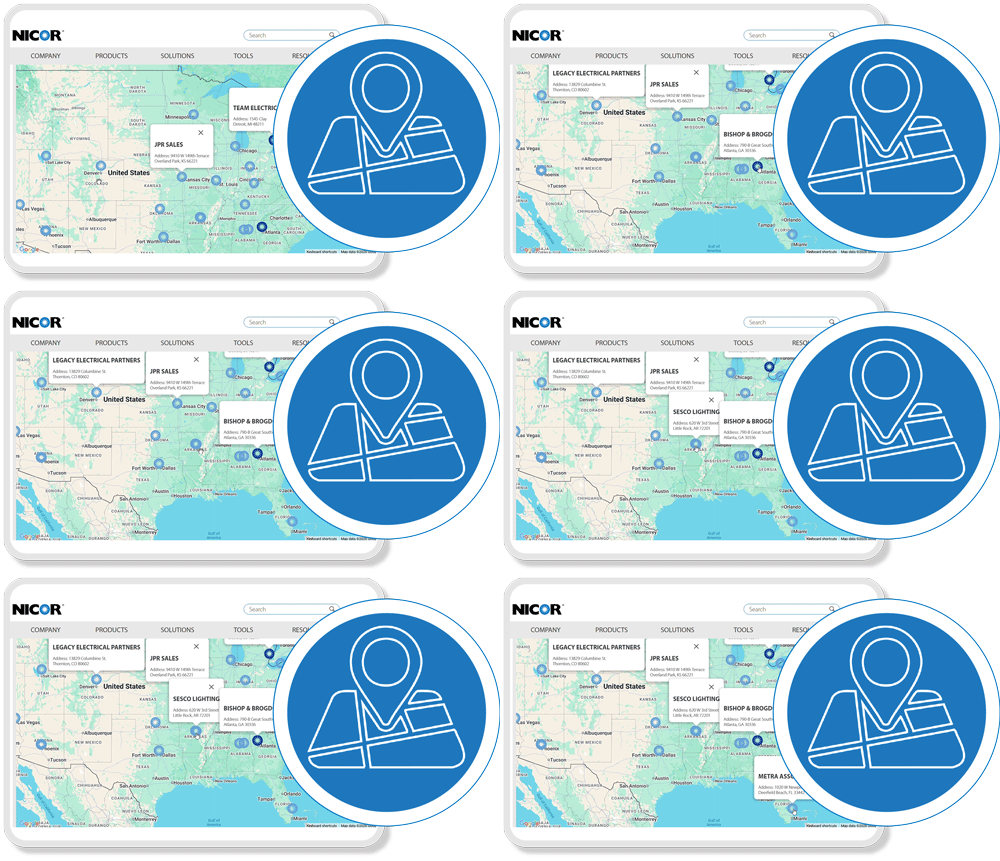
Agent Locator
Locate NICOR sales representatives in your area with our interactive map. Quickly search by location to connect with an agent who can help with your lighting projects and product needs.
To everyone whose feedback, suggestions, and insights helped build this site: thank you. It’s better because of you.