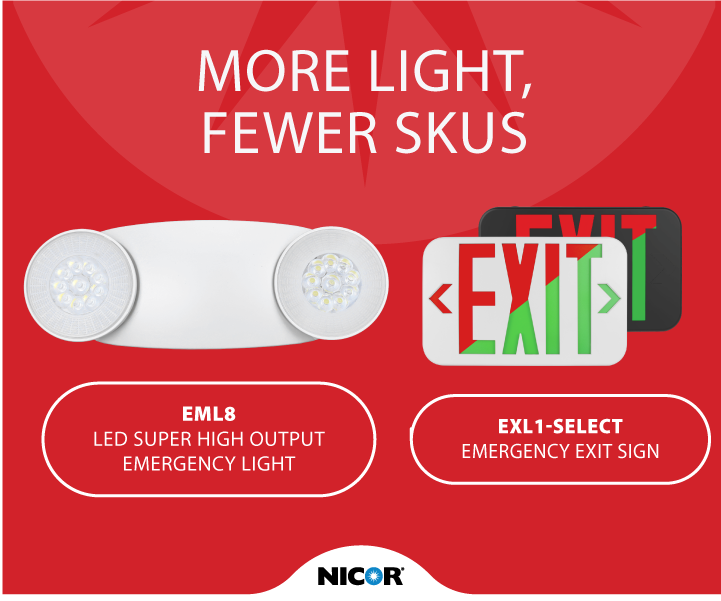
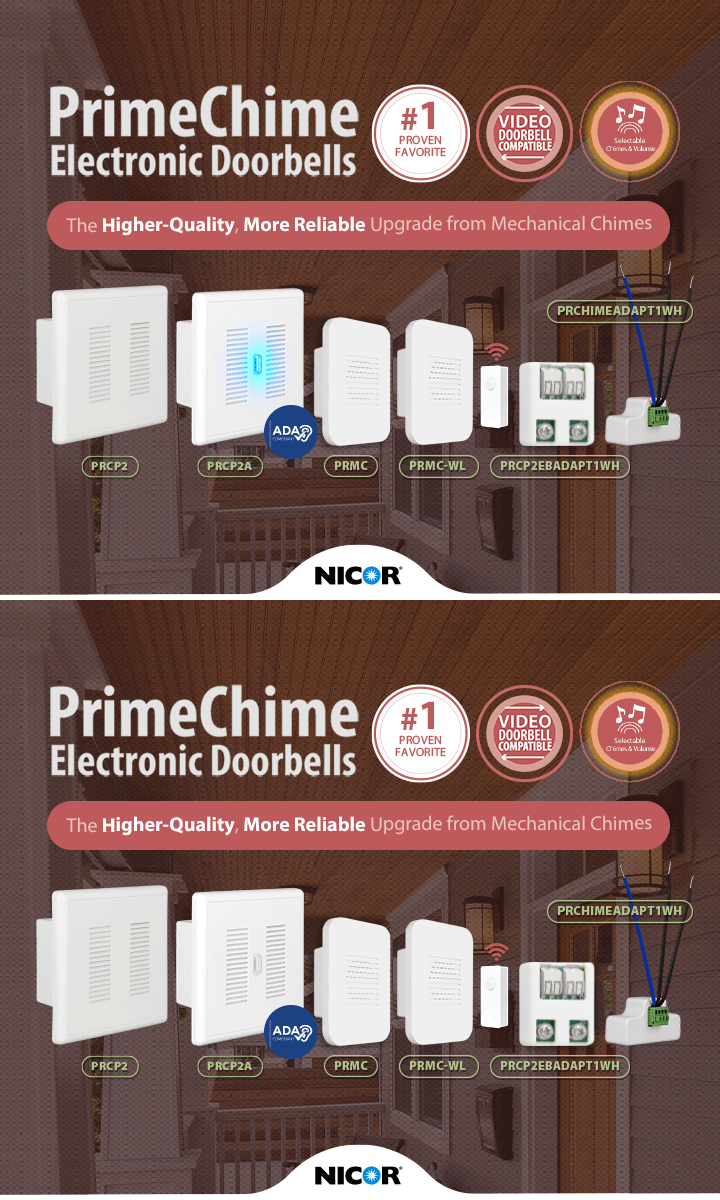
Some days you need the big picture: a quick scan of the lineup to scope options for a customer call. Other days you need the exact part number, down to the last spec. On the old site, those were two different hunts.
The new NICOR Product Catalog handles both. It gives you two views and lets you switch between them anytime, so the catalog matches your workflow instead of the other way around.
The Family-level view: your big picture
Browse the Family-level Catalog for a high-level overview of the lineup. It’s built for the scoping stage: comparing product families, getting oriented, and shortlisting options before you commit to specifics. No login needed.
The SKU-level view: down to the part number
When it’s time to spec, sign in and drop into the SKU-level Catalog for detailed, part-number views. Every SKU, every spec — the detail you need to quote with confidence, without opening a dozen tabs.
→ Two workflows, one catalog. Pick the one that matches how you work.
Try it in three steps:
1. Head to the Product Catalog and browse at the family level.
2. Sign in to unlock the full SKU-level detail.
3. Toggle between the two views anytime, your place in the catalog carries over.